
You and Alex have spent another long Saturday together in San Francisco. You would like to send him a small piece of it, without sending the whole journal entry. In Gemi, you can share journal entries as images through a story card, a month card, or a line from a response. Each opens as a preview, and you choose whether it leaves your journal.
One line, given a frame
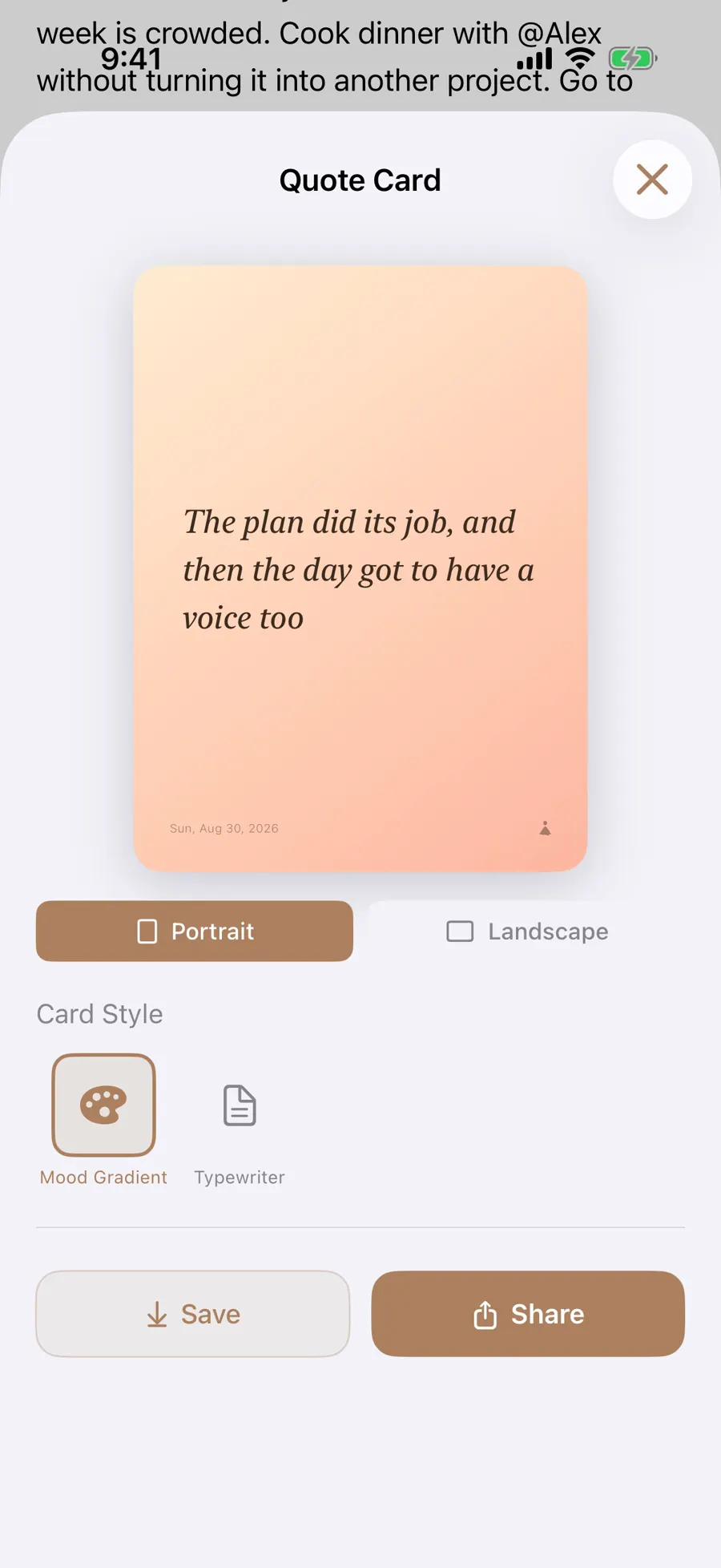
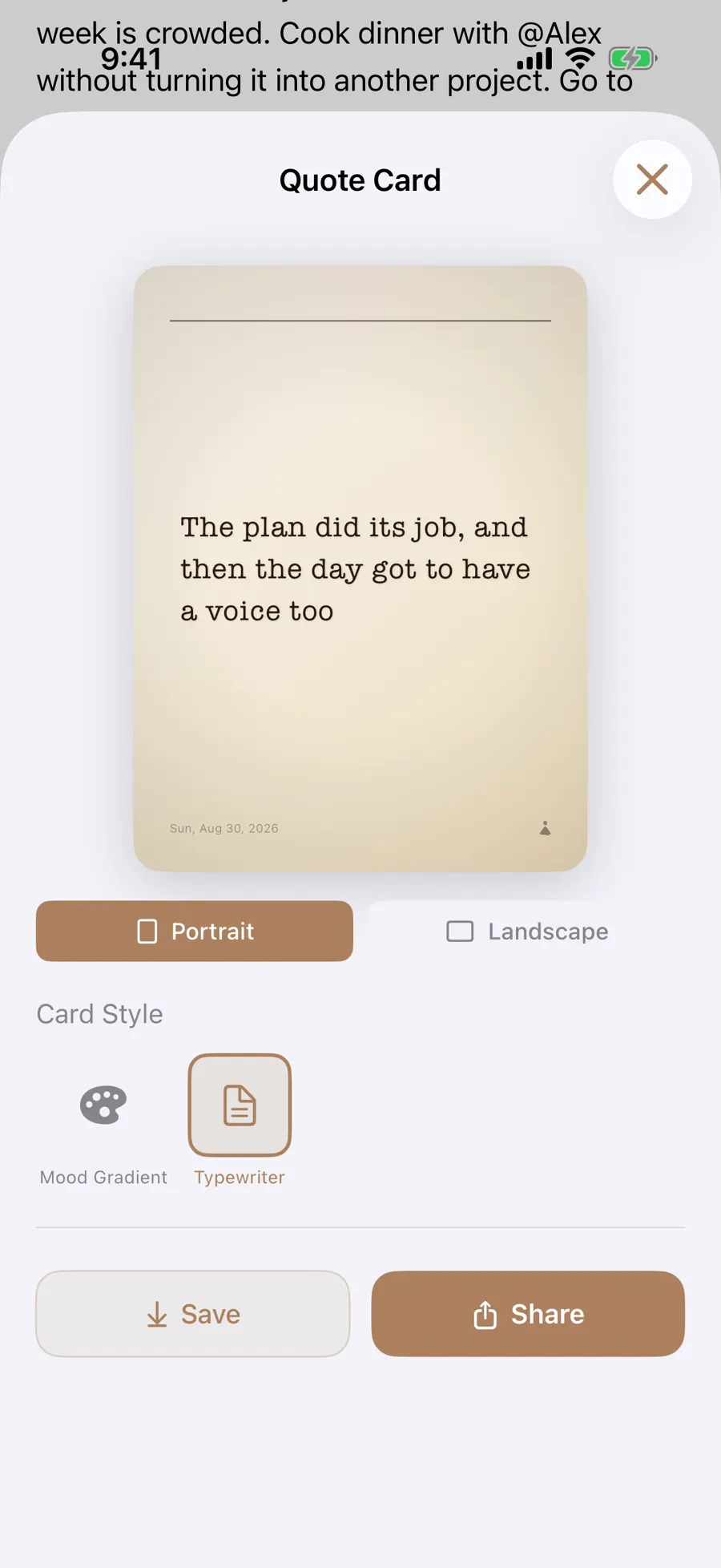
When an entry has a Gemi response with a selectable line, tap that line in the reading view to open a quote card. Choose a style, add a photo if you want, and preview portrait or landscape. The English demo shows a short sentence about a plan working out, framed on a pale card. Save it or open Share from the preview. The line comes from a response; selecting arbitrary prose in an entry is a different action.
- 1
- 2
Responses require sign-in and credits. If you have not used that feature, there is no response quote to turn into a card.
A month in one glance
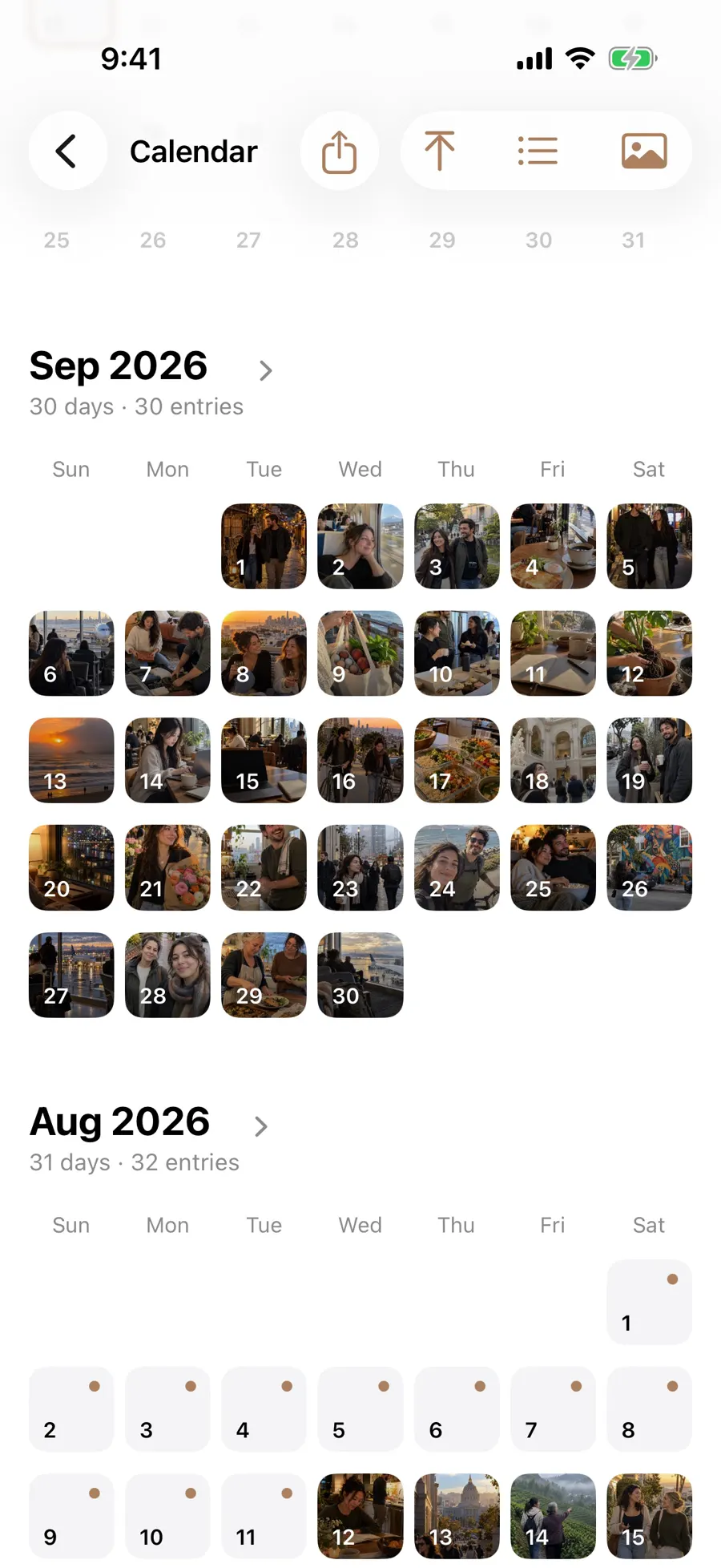
Tap the month title in the calendar to open its share card. It can use photos, mood, or a blurred treatment; the year has its own Share Year entry. The English demo’s September 2026 card is full of small photographs because its sample calendar has an entry every day. Your card reflects only the days you actually saved. Save to Photos or use the share options when the preview looks right.
- 1
- 2
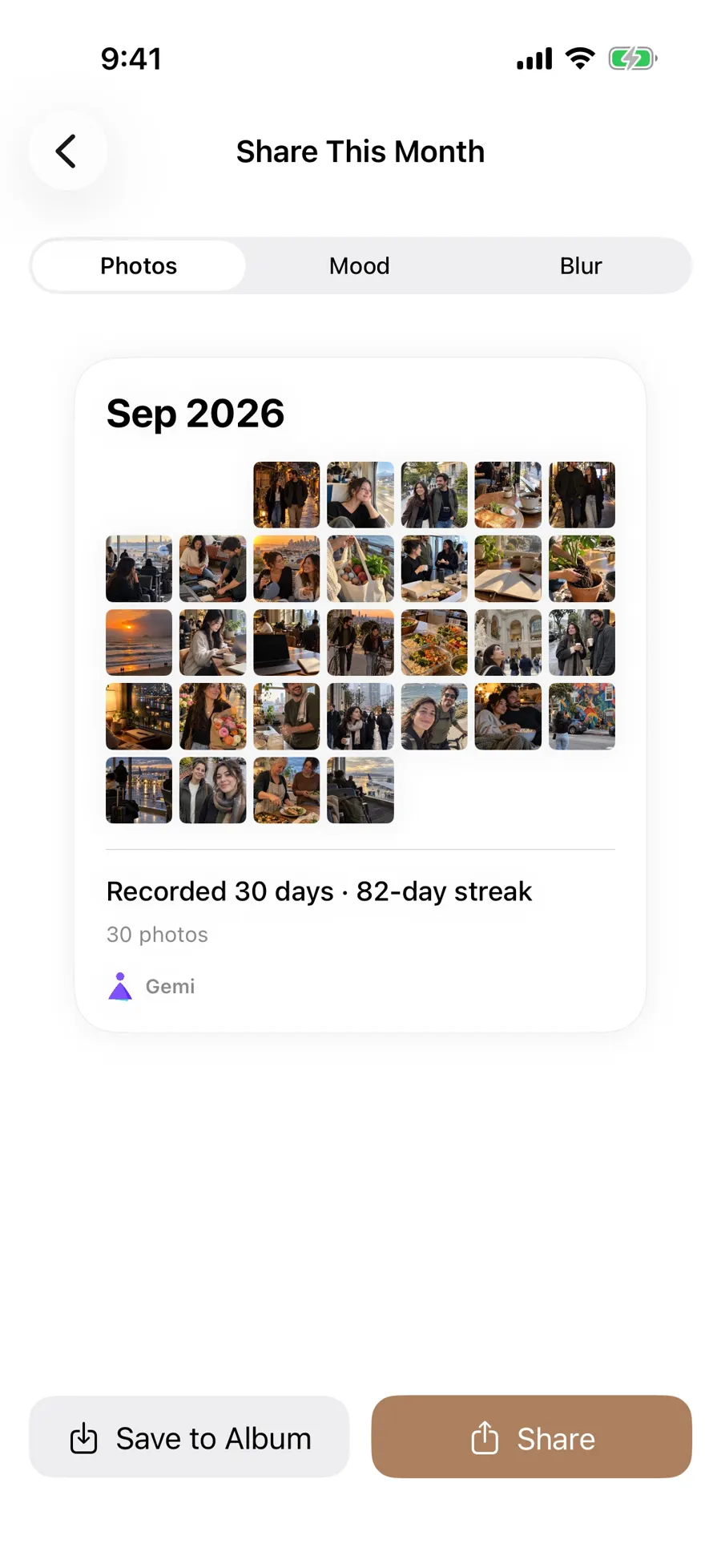
The card is an overview. Open the calendar when you want the actual words from a Tuesday or a trip day.
A full month in the sample makes a striking grid, but an ordinary month with only a few marked days still has a shape. Choose the photo treatment if those images tell the story; choose a mood or blurred treatment when you want a different emphasis. The year card is another scale of the same idea, reached from the month view. None of these previews is a public post by itself.
The person inside the picture
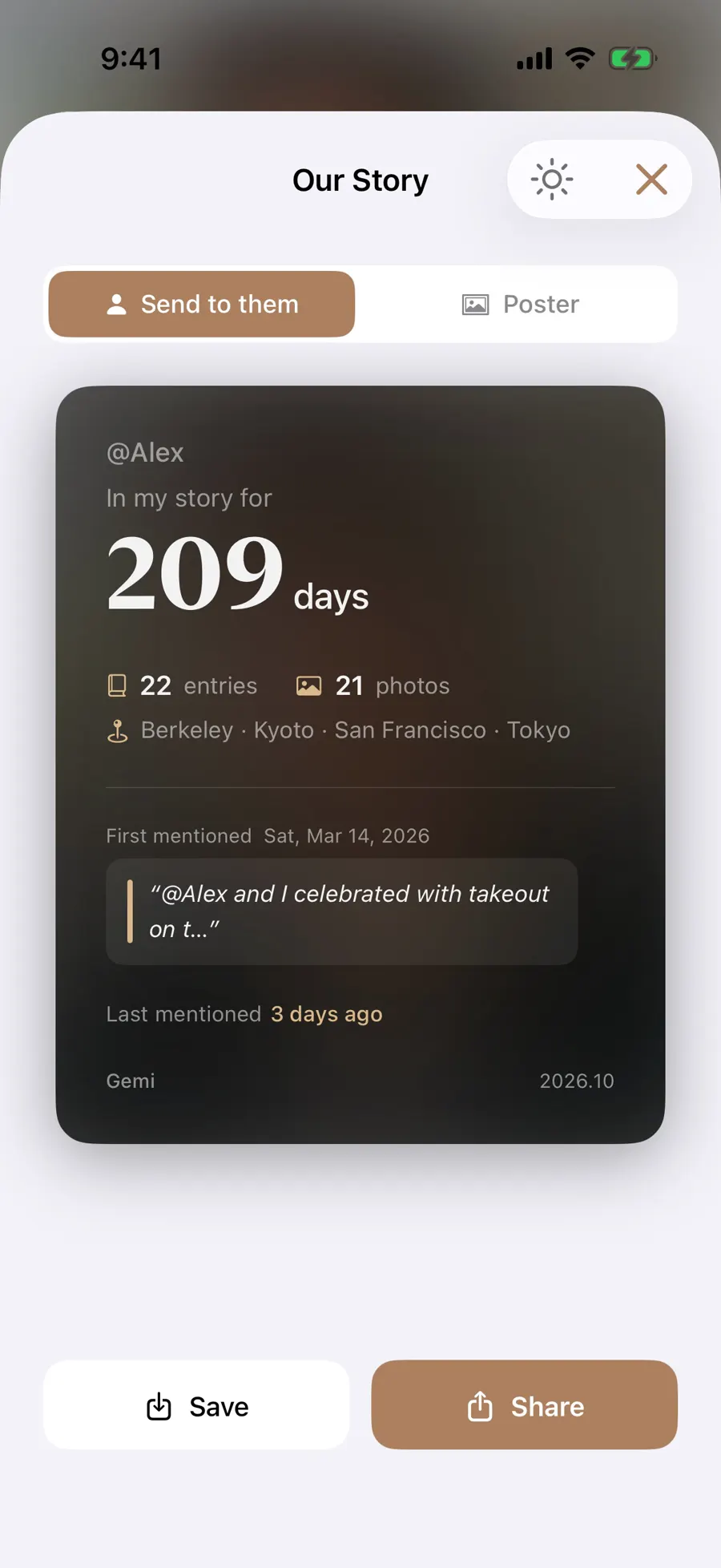
A person card and a month card answer different questions. The month card is about the pattern of dates and the photos you attached during that month. A story card is about one relationship, drawn from entries where that person appears. The same photograph might belong to both previews, yet each card tells a different story.
From Alex’s people page, tap Share at the top right for a story card built from entries and photos you have connected to him. The sample card shows 209 days known. Choose a layout, then save or share it yourself. Mentioning @Alex in an entry does not notify him or send him a card.
Before sharing
Before a card leaves the app, check the faces, names, places, words, and any generated line it contains. If the moment is just for you, Memories is a gentler place to revisit it without making a copy for anyone else.
Updated 2026-10-11 · Screenshots use demo data