
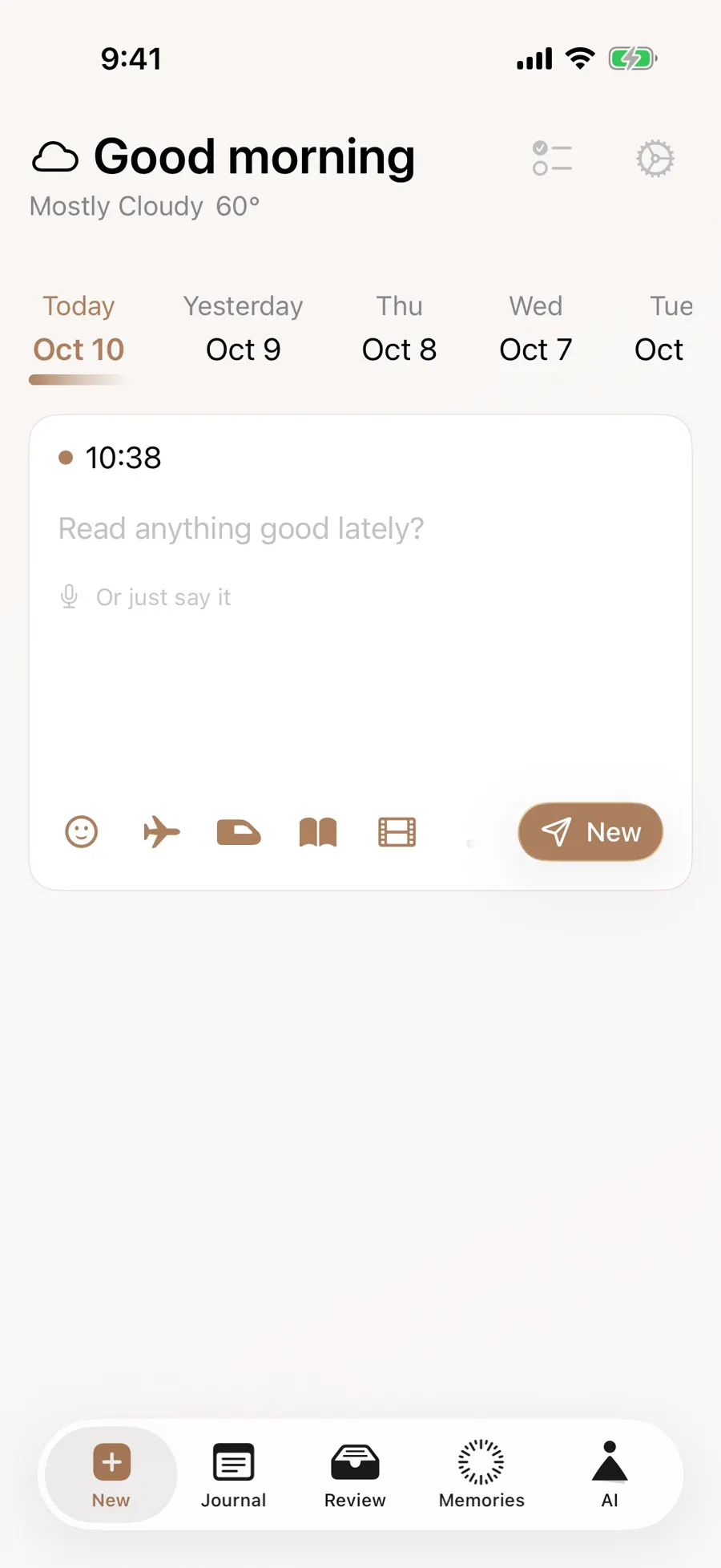
After a long workday, you stopped for flowers on the way home. Exhausted and a little glad can both be true. In Gemi, start with your account of the day: tap the smiley in the writing bar, choose the closest of five moods, and save it with your words. Later, the calendar can lead you back to what that mark meant.
Choose, then give it context
The choice is deliberately quick, but the meaning can be subtle. A Calm day might have been uneventful, or it might be the evening you finally rested after a difficult week. If the entry says why, a future calendar view can take you back to that distinction. If you only save the mark, you still have an honest marker from that moment; there is no need to write a long analysis to make it count.
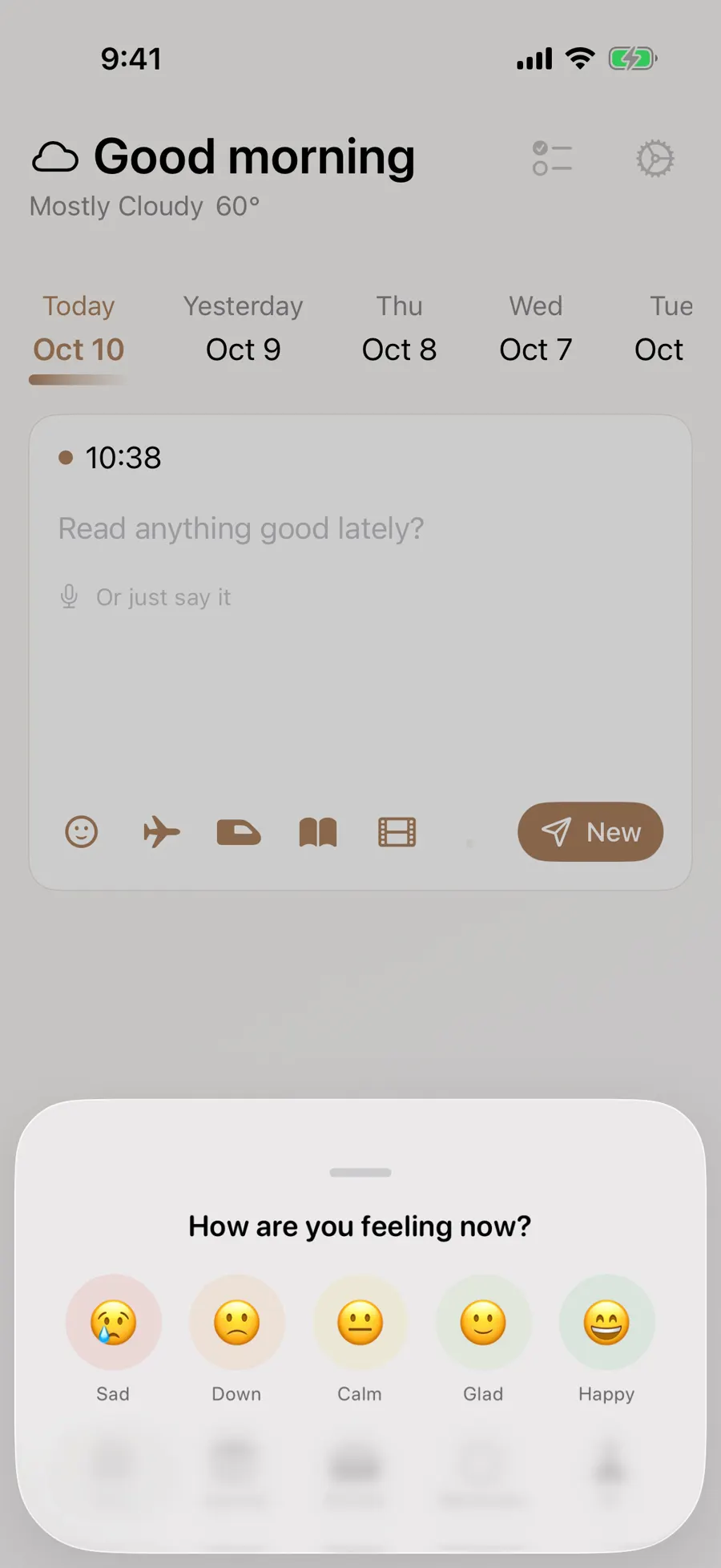
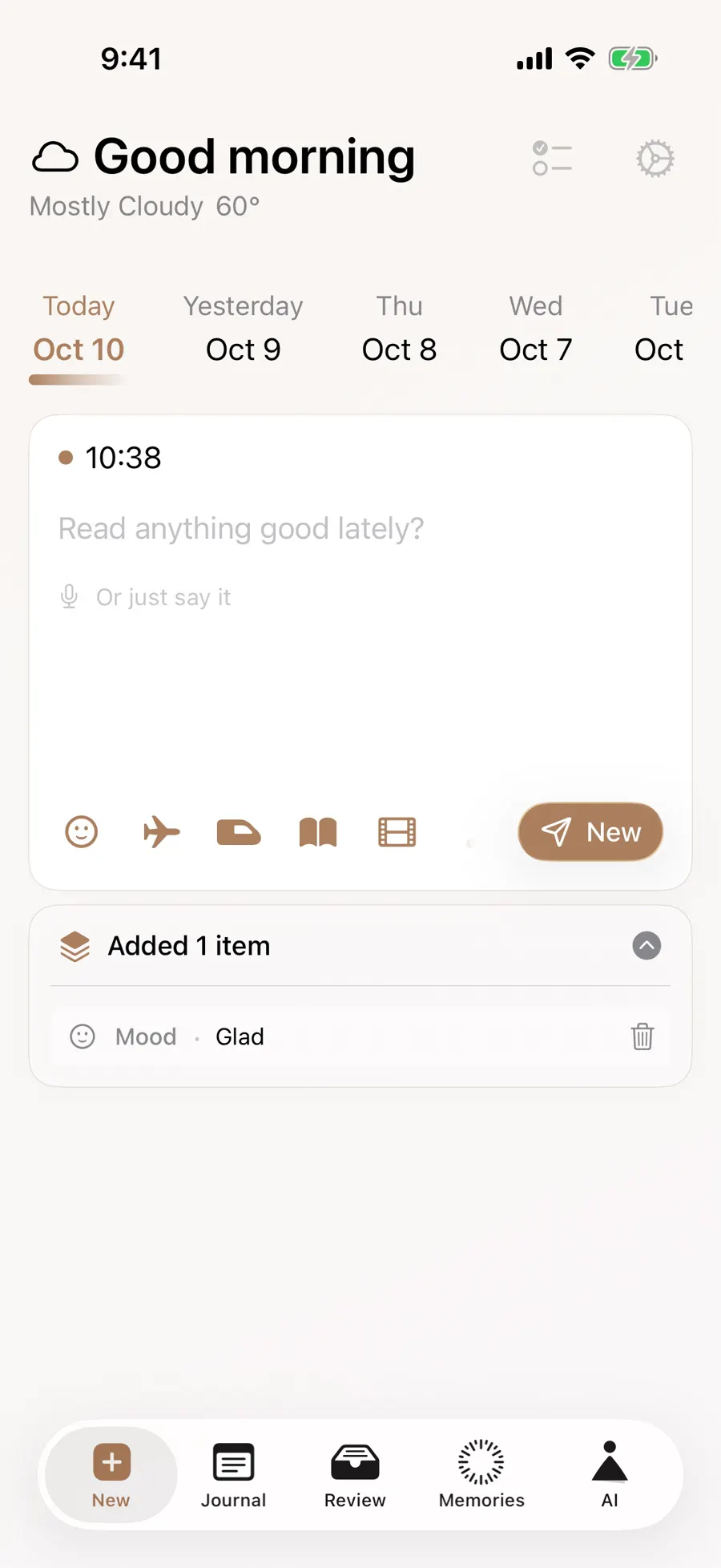
The smiley opens five choices. Once selected, the mood appears with the other items added to the entry; you can change or clear it before saving. In the English demonstration, the mark is Glad beside a note about bringing flowers home. It is your choice, not a verdict drawn automatically from your writing.
- 1
- 2

An entry holds one mood marker. If the morning felt heavy and the evening was easier, describe the shift in words instead of forcing one label to capture everything. You may also write without choosing a mood at all. A one-line entry is still an entry.
A calendar mark has a day behind it
The five choices in the demo are Sad, Down, Calm, Glad, and Happy. They are deliberately broad. “Glad” may mean the flowers helped after a hard day, not that everything was easy. A mood journal becomes more useful when the marker and a concrete detail are together: where you were, who you saw, or what changed during the afternoon. Without the writing, the mark is only a point on a calendar.
Switch the calendar’s display to Mood to see dates with mood entries. Open a date to read the writing that sits underneath. The demonstration also has a photo view and category views for reading, films, and travel. Blank dates only mean there is no saved entry to show there; they make no claim about how you felt.
The calendar page explains its date and category views. If you want ideas for the writing rather than the controls, the mood journal guide offers prompts that begin with an actual moment.
Let the mark remain yours
You can also look at moods beside the year review, where the sample journal counts only entries that have a mood selected. A percentage there is a description of saved marks, not of every hour in the year. It cannot tell you why a month was difficult, whether a happy day stayed happy, or what you should do next. Those questions belong to your words and, when needed, to people you trust.
Looking back, you may notice several low days near a difficult stretch at work, or a run of calmer weekends. The calendar lets you open each one rather than guessing at a cause from colors alone. If your view of a day changes later, the original entry still shows what you chose to say then. You can add a new entry about what you think now instead of rewriting the earlier feeling into a tidy story.
A short entry can mark a feeling quickly, while a fuller one can preserve why it changed. If you use an AI response, your chosen mood can be part of the context, but a response may misunderstand you. A journal marker is not a medical assessment or a course of treatment.
Updated 2026-10-11 · Screenshots use demo data