
You write a hurried line before work, then return to it slowly at night. In Gemi Settings, check iCloud sync, choose a font and theme, or set a reminder; the editor offers a quicker way to change its appearance while you write. The words you saved stay in place as your habits change.
Wait for the last entry
Before changing phones, you want to know whether yesterday’s words arrived. In Settings and Data Storage, check the current storage method and Sync to iCloud. Once enabled, the screen tells you if it is checking your account, syncing, finished or having trouble; it may show the last sync time. Wait for completion on the old device, then look for the entries on the new one. The switch and manual sync control pause while a check or sync is underway.
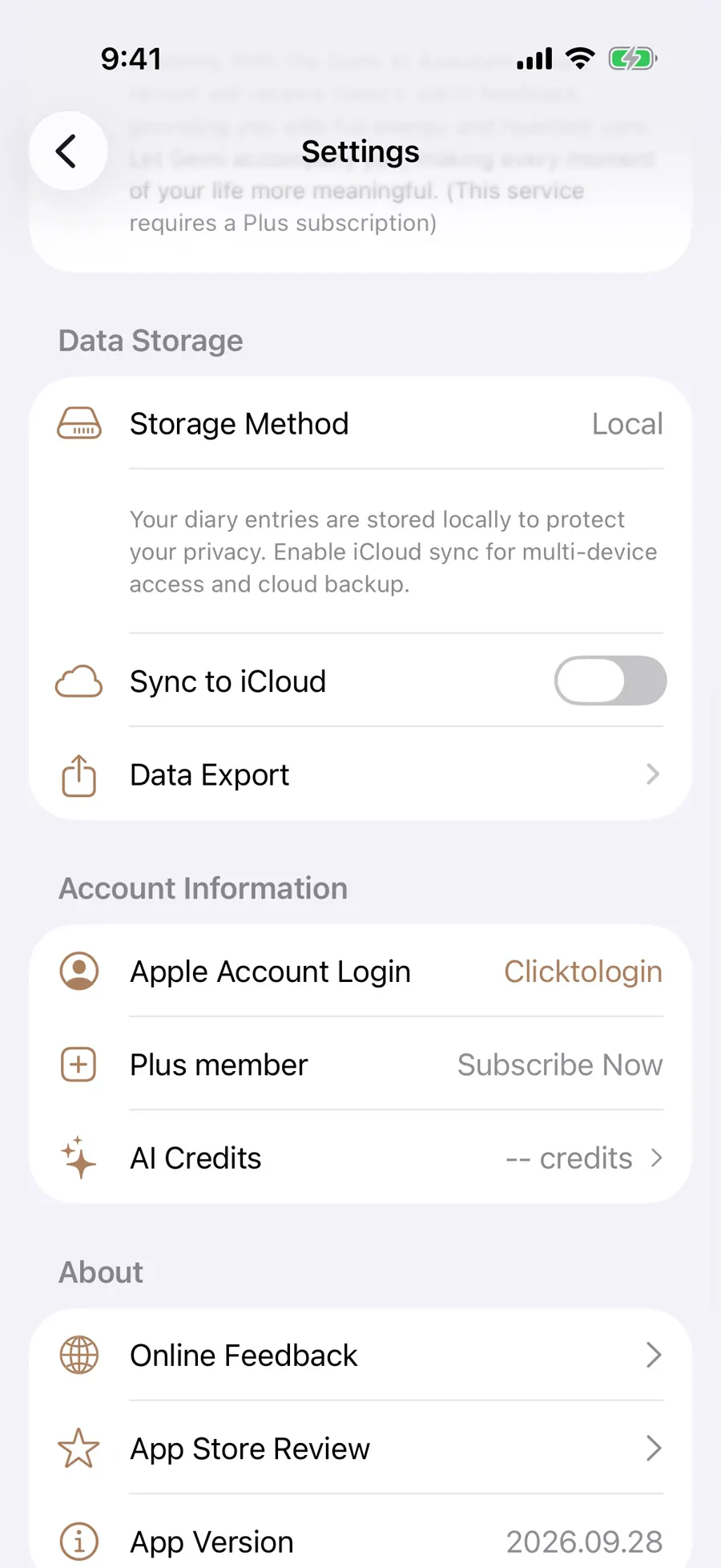
The screen will also tell you when the iCloud account is signed out, restricted or unavailable. For a text copy outside the app, use Markdown export.
Find a face you will keep reading
A long entry can feel different when the letter shapes change. Under Body Font, choose a Chinese face from the system font, bundled Noto Serif SC or downloadable LXGW WenKai, Xiaolai, Yozai, GenWan Min and GenSen Rounded. Latin text can follow that choice or use New York or Avenir Next. The two choices work together in your writing and reading; changing them does not rewrite saved words.
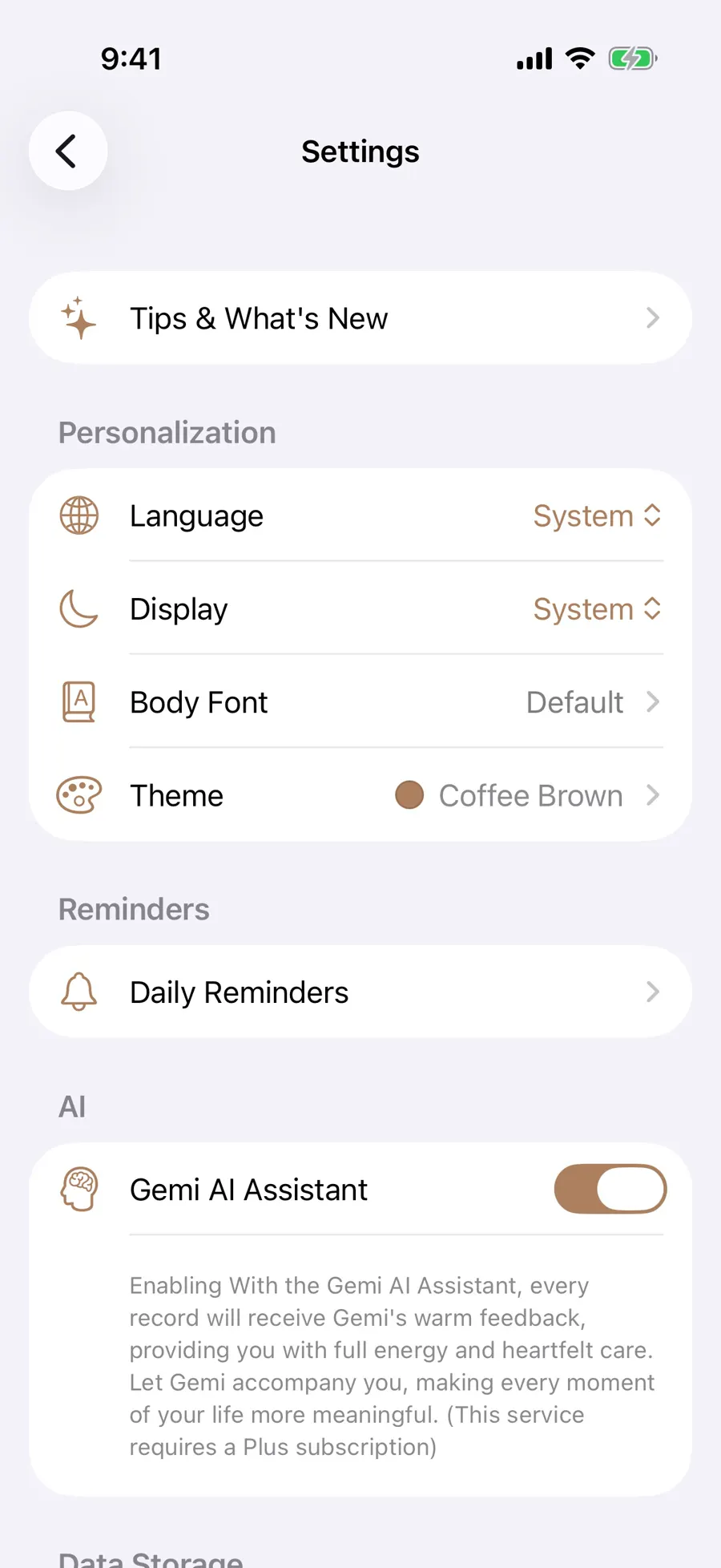
The page lets you preview a font. Downloads need a connection; you can cancel one in progress or remove a downloaded face that is not selected. Offline, use an installed face until you can return.
Give the week its own rhythm
You might want a familiar color most days and another for the weekend. The Theme gallery offers fixed colors with light and dark previews. Daily random changes the theme by date; weekday mode lets you assign a color to each day. Tap the active automatic mode again, or choose a fixed color, to stop rotation.
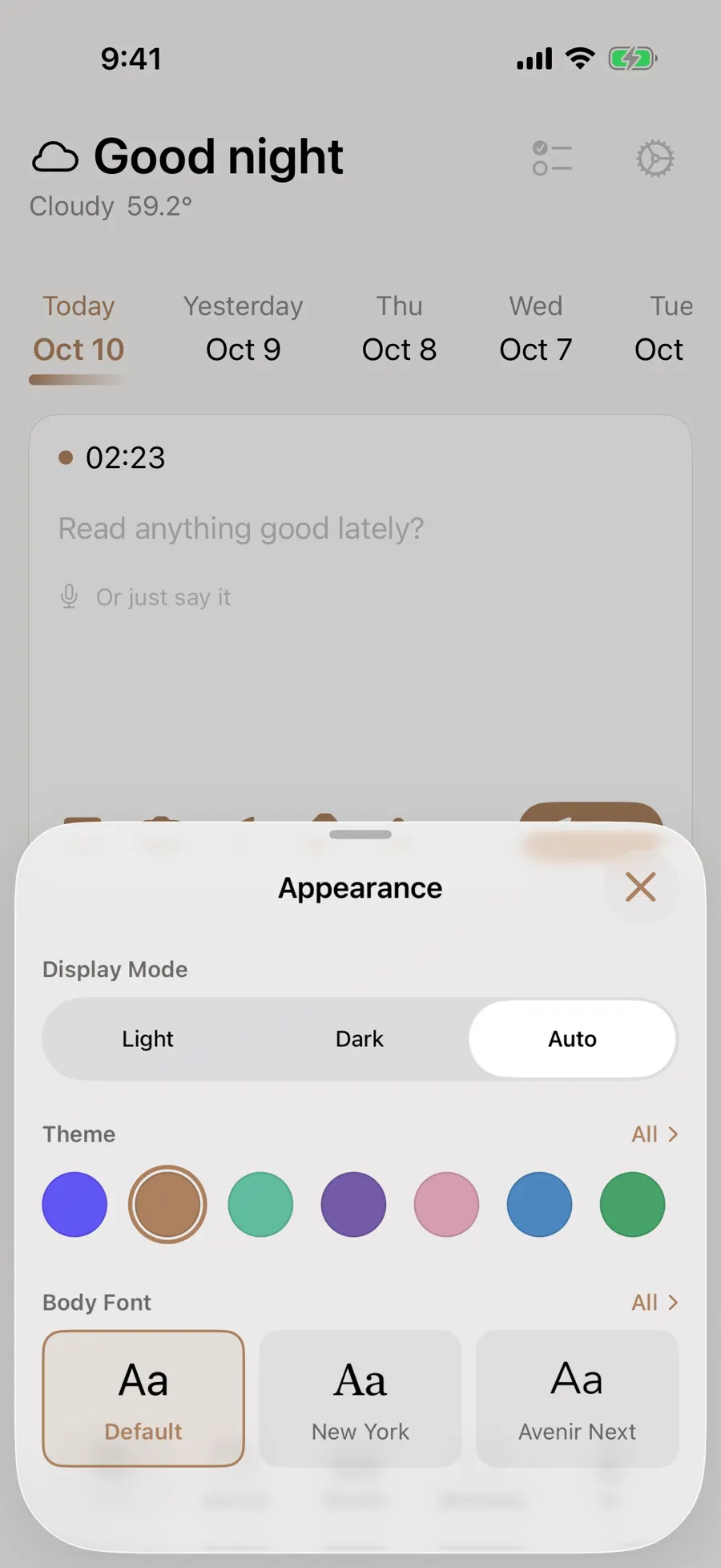
Mid sentence, tap the greeting at the top of the writing screen to open Quick Appearance. You can change display mode or theme there, or go to body fonts, without leaving the draft. A fixed swatch there also stops automatic rotation. The entry’s words stay as they were.
A nudge to write, space to read
Set a reminder for a time when you can actually pause. Daily Reminders has a main switch and separate noon and night slots, each with its own time and on/off choice. The first-install times are 12:10 and 21:45. Delivery depends on notification permission and device conditions; a reminder does not mean an entry was written.
While you type, a recognizable place or work may bring up a suggestion card. Check it before accepting. In a saved entry, swipe sideways through that entry’s media. Tap the body to open the long reading view; another tap hides or restores its top and bottom bars.
Updated 2026-10-11 · Screenshots use demo data