
A song came on while you rode home through San Francisco after the rain. You do not need to review the album; you just want to remember that bus window. In Gemi, begin with a few words about today. Tap the music note, choose the track, and keep it with those words.
A soundtrack for one entry
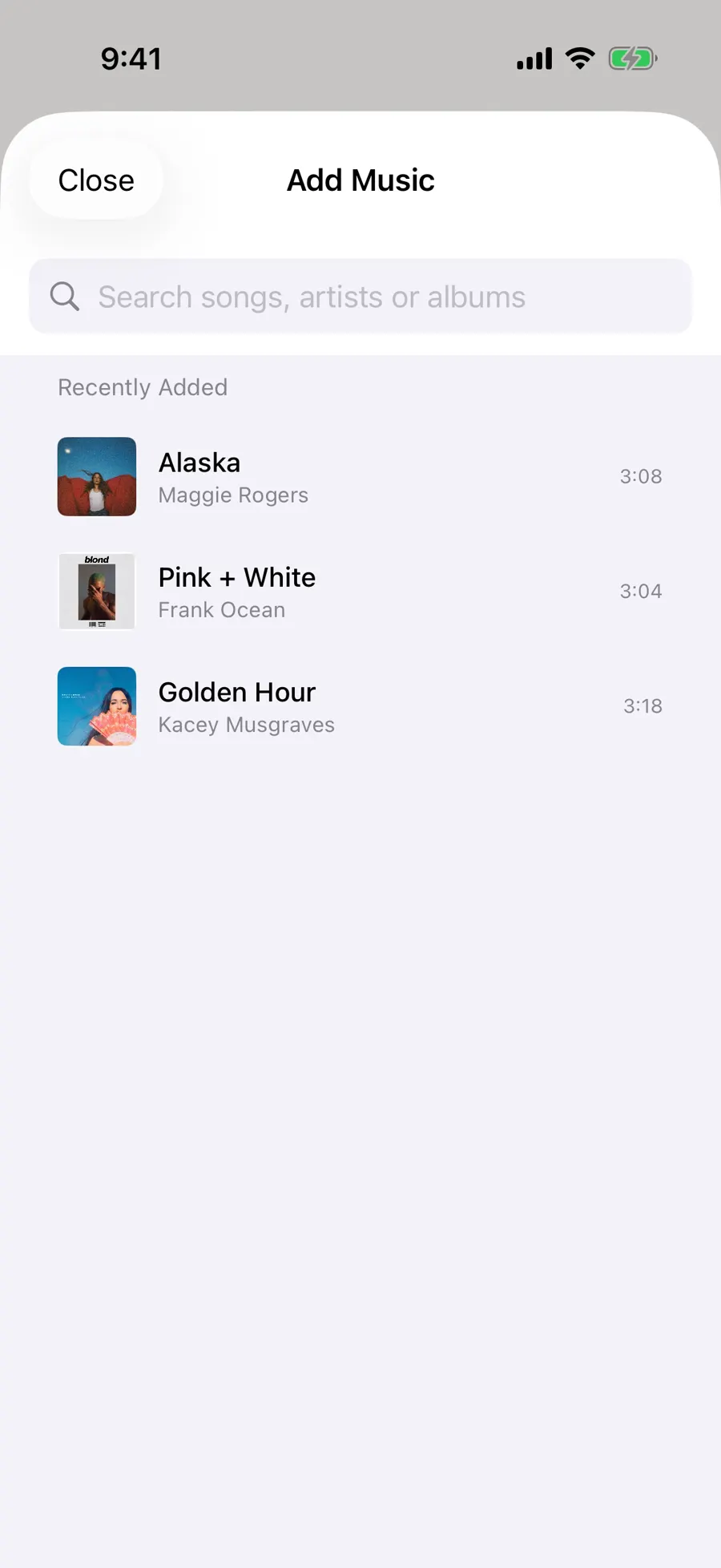
Tap the note in the writing bar and search by song or artist. Compare titles and artwork before choosing, then check the selected item with the rest of the entry’s attachments. The English demonstration saves a song with a line about the rainy walk home. Open the entry and its cover sits above the writing; tap it for a short preview. The song lends context, while the account of the day stays yours.
- 1
- 2
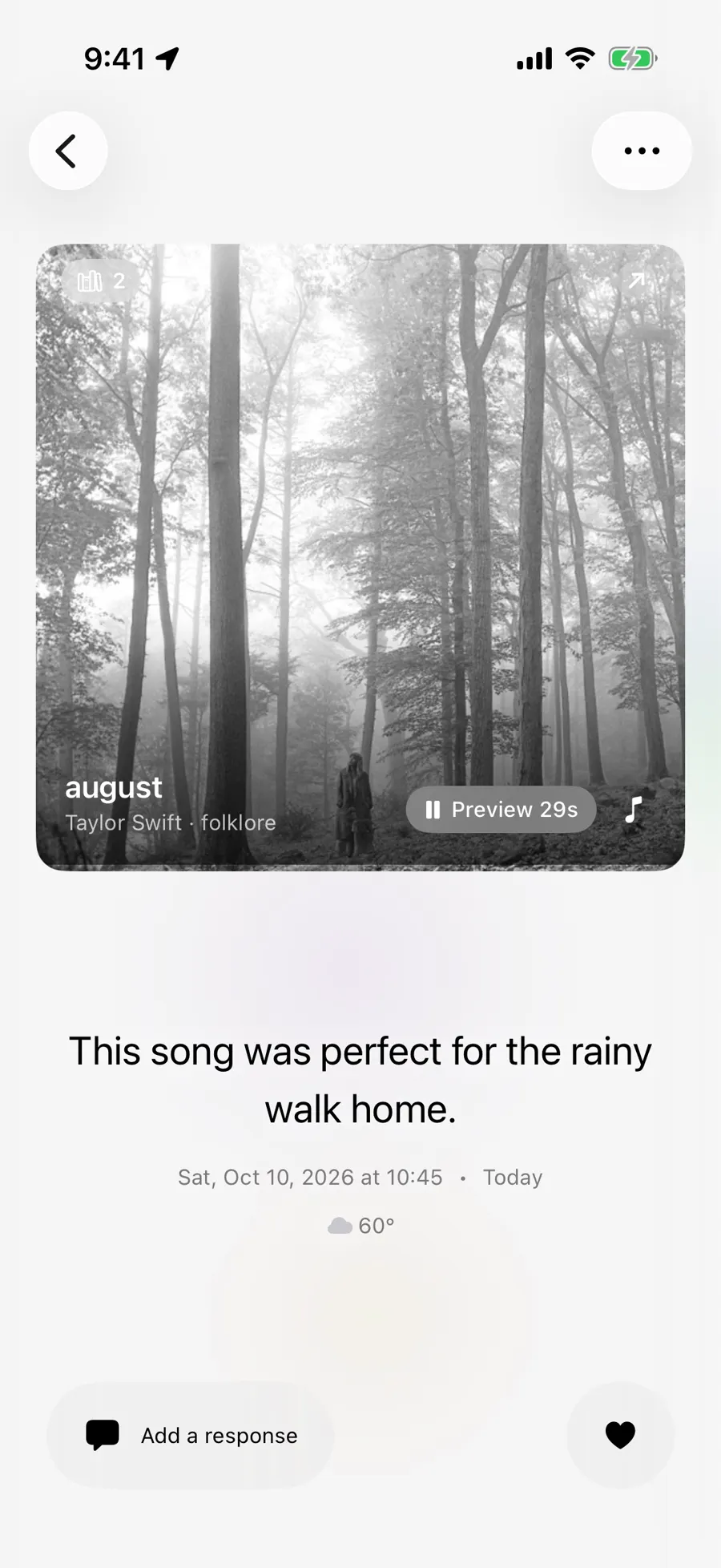
A new entry has one song selection, alongside separate places for a book or film. If the same track meets you again a week later, add it to that day’s entry too. The two pieces of writing remain dated separately. Even “heard this three times while waiting for the train” can be enough to connect the music to a moment.
The distinction is useful when a song changes meaning. The first time, it may have been a soundtrack to a rainy ride across town. Months later, you hear it on the train to the airport with a different person beside you. Keeping the track with each day’s words lets those memories remain separate. The cover helps you find them, but the writing tells you which ride you are remembering.
Find it by cover, not date
A cover can be a stronger cue than a title. Under Review’s All categories, open Music to see songs you have added to entries. In the sample wall, twelve covers sit in a grid: “Alaska,” “Pink + White,” and “Golden Hour” appear near tracks from other days. Open one for a preview, a route to its linked writing, or a way to continue listening in the music service. The collection comes from your journal entries, not your entire listening history.
If you remember the date, the calendar is another way in. If you remember a book or film from that same day, the media journal overview explains how they can sit beside the song. Reading has its own path back to the days inside a book.
When the catalog misses
If you added the wrong recording, change the selected song in the entry rather than changing the memory to fit it. One artist may have live and studio versions with similar art, and a short preview may be the easiest way to notice the difference. Your words remain in the entry while you correct the attachment. The goal is a dependable clue for the future, not a perfect music database.
Finding tracks and playing previews requires a connection and permission to access Apple’s music catalog. Availability varies by region and by recording. If the version you heard does not appear, save its name and your memory in plain text now; that will not automatically make an artwork card. You can edit the entry and select a track later. Full playback follows the music service’s current access conditions.
Updated 2026-10-11 · Screenshots use demo data